iCloud sync and your other devices
Updated
How sync works
Your library and cook log stay on your device. When you’re signed into iCloud, they also sync through your private iCloud database to your other Apple devices. There is no Feastmark account, and Feastmark never sees your recipes.
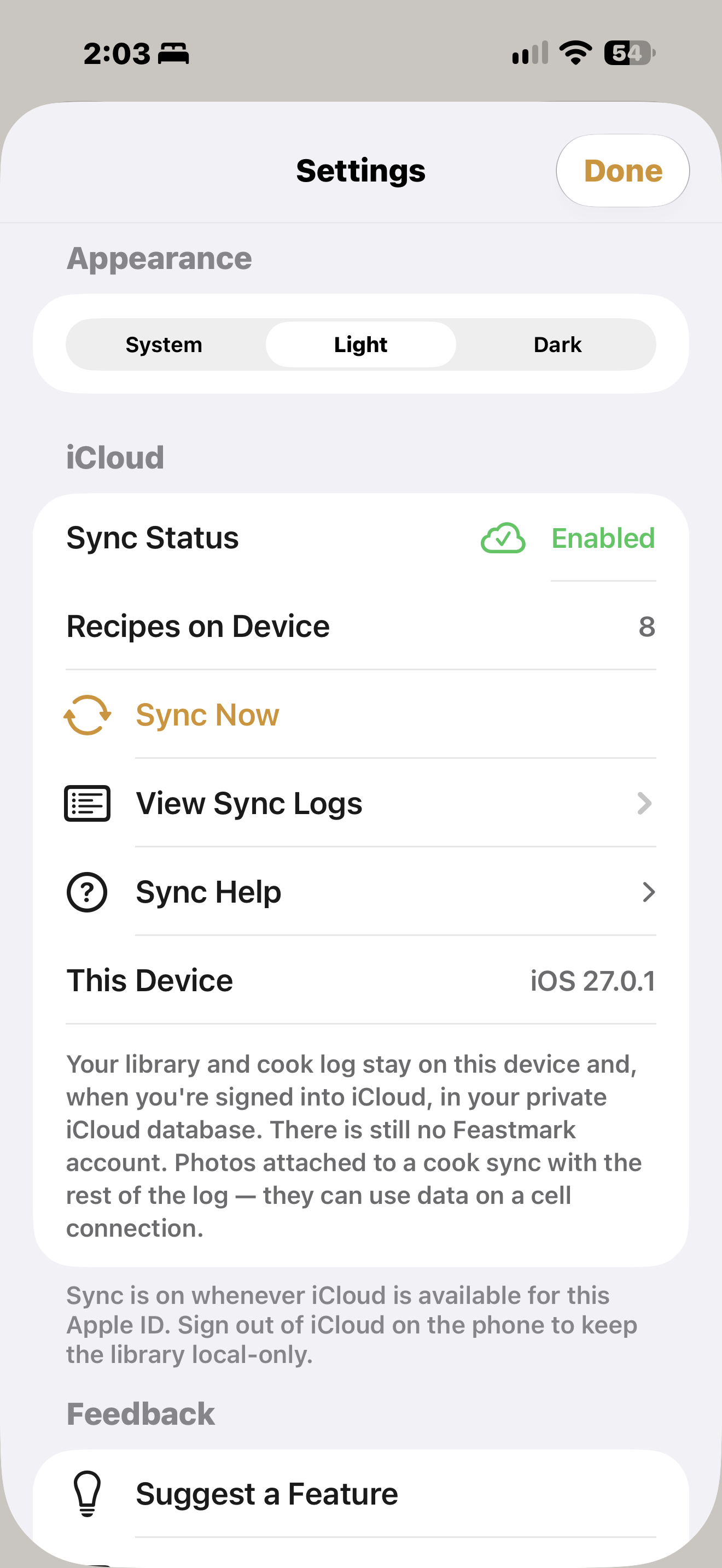
The app describes it this way in Settings: “Sync is on whenever iCloud is available for this Apple ID. Sign out of iCloud on the phone to keep the library local-only.”
Check your sync status
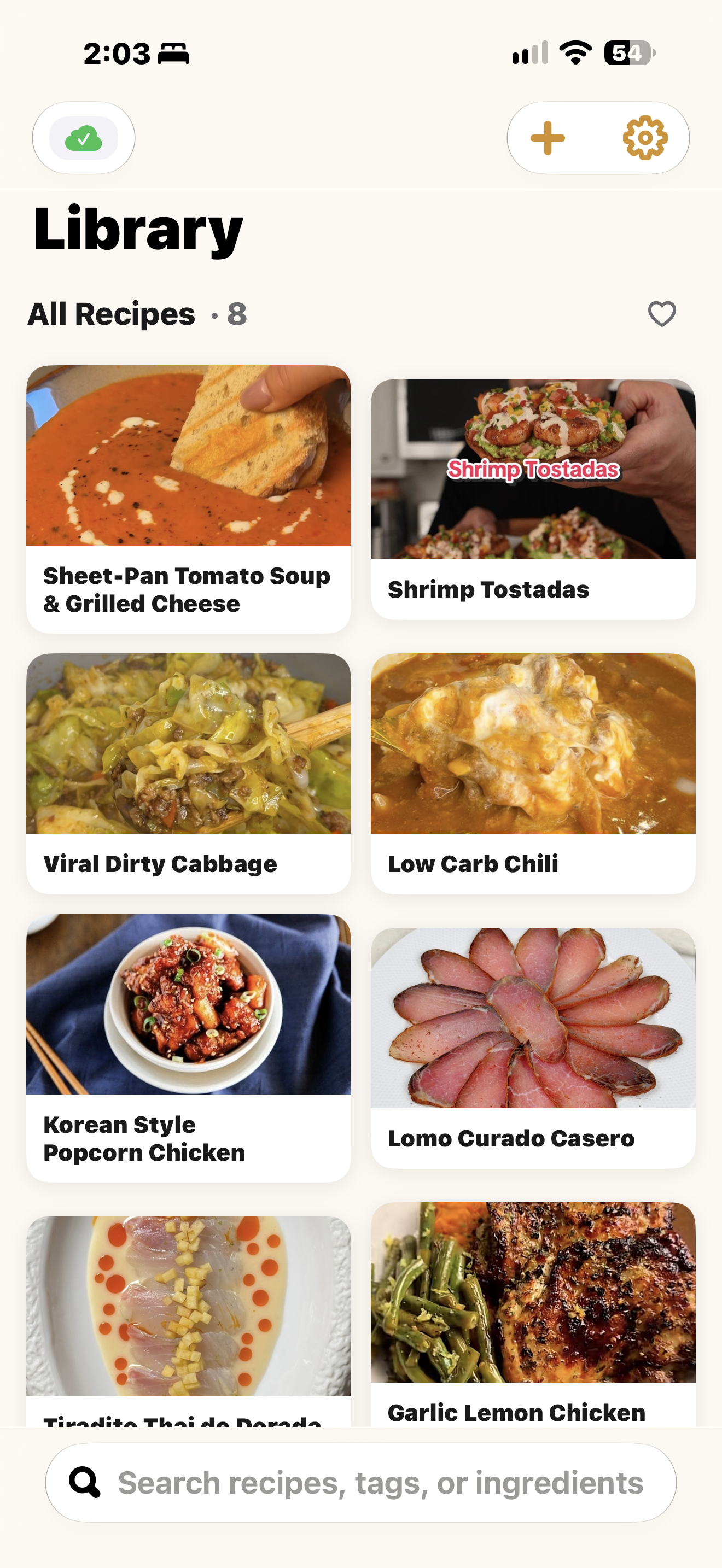
- The cloud icon at the top left of your Library shows at a glance whether sync is working.
- Settings has an iCloud section. Sync Status shows Enabled or Local Only, and Recipes on Device shows how many recipes are on that device. Sync Now starts a sync.
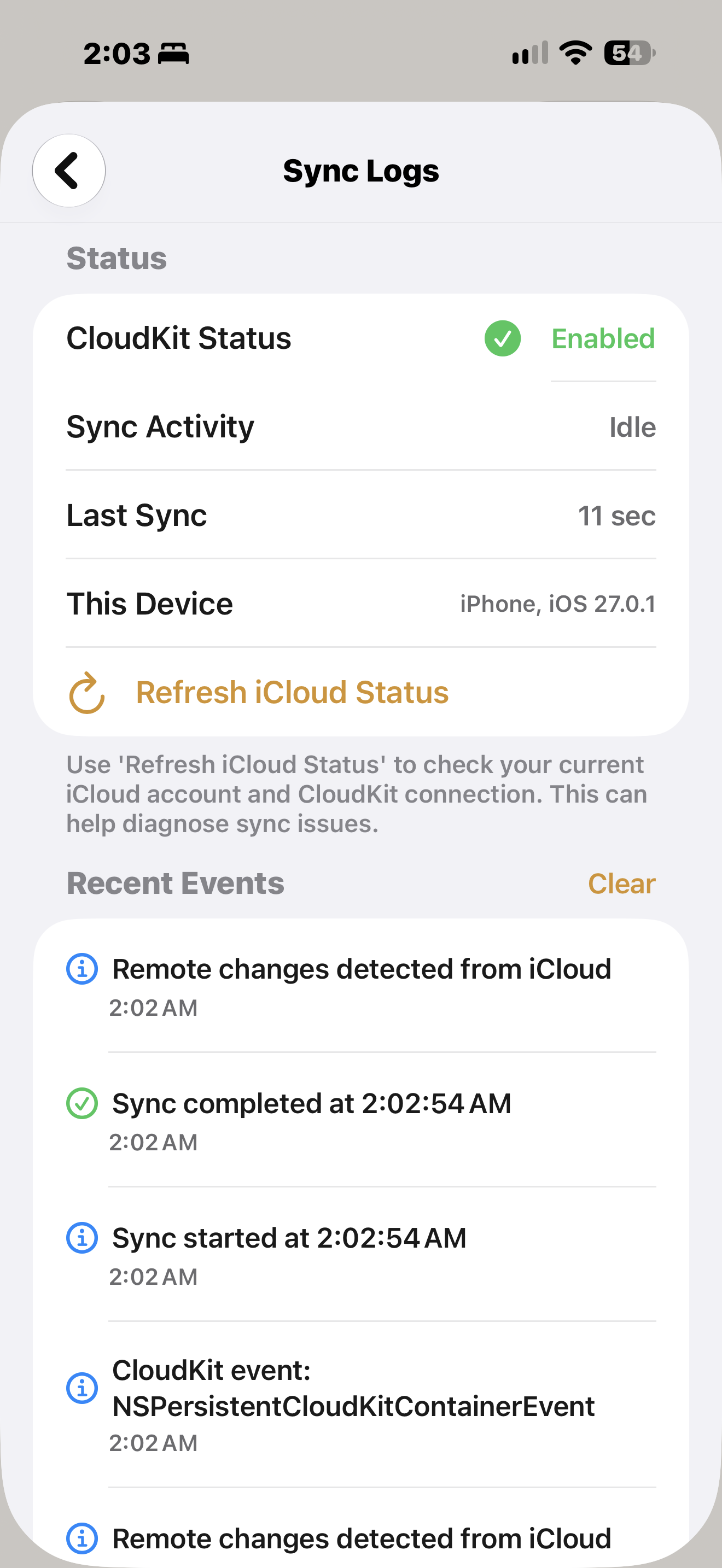
- View Sync Logs shows CloudKit Status, Sync Activity (for example Idle), and Last Sync, with a list of Recent Events. Refresh iCloud Status re-checks your iCloud account and connection, which can help diagnose a sync problem.
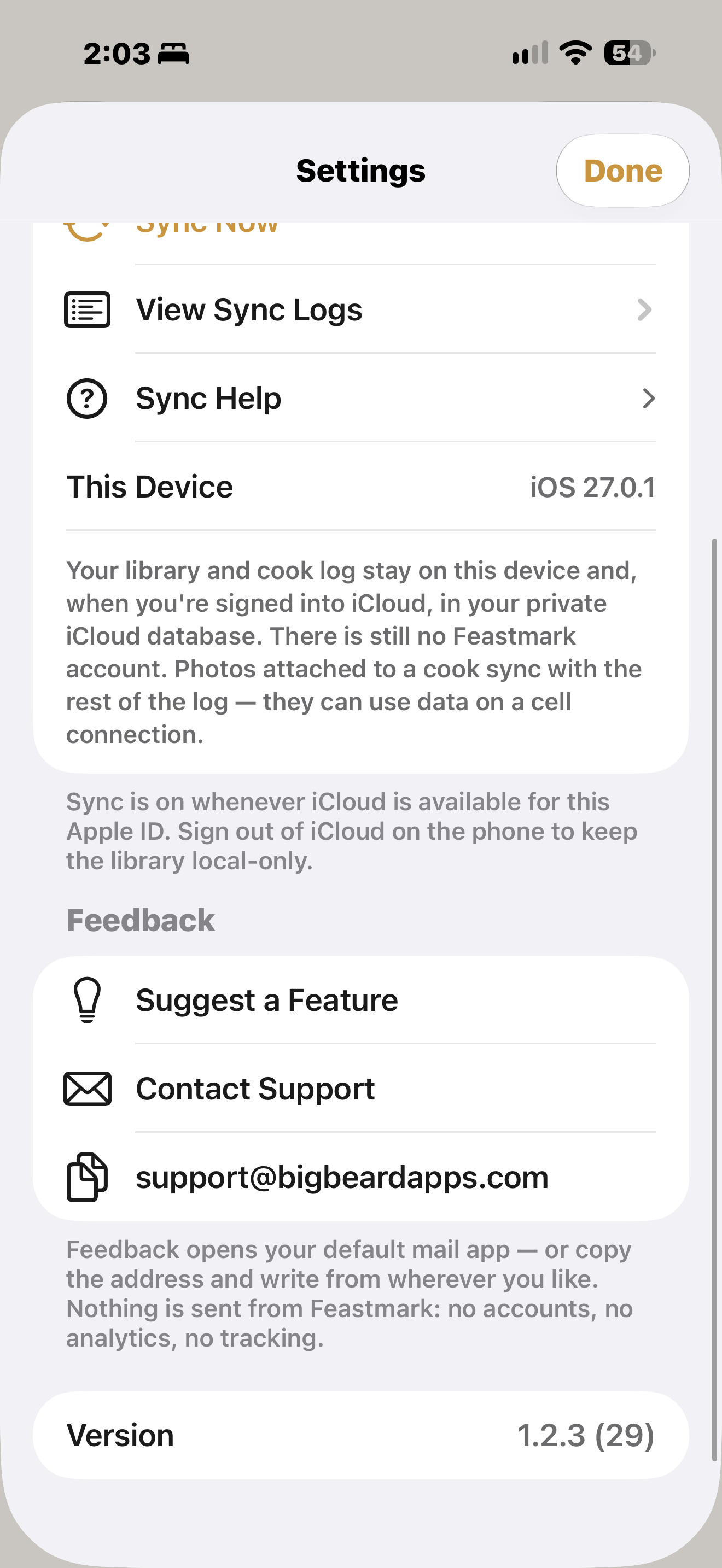
Photos attached to a cook sync with the rest of the log, and they can use mobile data.
If recipes don’t show up on another device
- Make sure both devices have a stable internet connection.
- Make sure both are signed into the same iCloud account.
- Open and close Feastmark on both devices.
- Check that iCloud Drive is turned on in Settings, under your name, then iCloud.
- For a first sync, keep both devices unlocked and plugged in. A big library can take 15 to 30 minutes.
- In Feastmark Settings, tap Sync Now.
If it still fails, signing out of iCloud and back in on the device with the problem can reset the connection.
Keep devices on the same iOS version
Devices on different major versions of iOS (for example iOS 27 and iOS 26) can have long sync delays or failures. Update all your devices to the same version.
Local only
If Settings says Local Only, check that you’re signed into iCloud and that iCloud Drive is turned on for Feastmark.
An in-progress cook
A cook you started in Cook Mode stays on the device you started it on.
Still not working
The in-app Sync Help screen (in Settings) has these same steps. If you’re still stuck, contact support.
Common questions
Do I need a Feastmark account to sync?
No. There is no Feastmark account. Sync uses your own private iCloud, and Feastmark never sees your recipes.
How do I keep my library on one device only?
Feastmark's Settings say sync is on whenever iCloud is available for your Apple ID, and that signing out of iCloud on the phone keeps the library local-only.
How long does the first sync take?
Changes usually show up within a few minutes. The first sync of a large library can take 15 to 30 minutes.
Still stuck?
Support comes from Big Beard Apps, the studio behind Feastmark.
Contact support