Save a recipe from a video or post
Updated
Save from the share sheet
This is the fastest way, and it works from Instagram, TikTok, YouTube, Facebook, and recipe blogs.
- Open the video or post.
- Tap Share and pick Feastmark.
- Review the recipe and keep it.
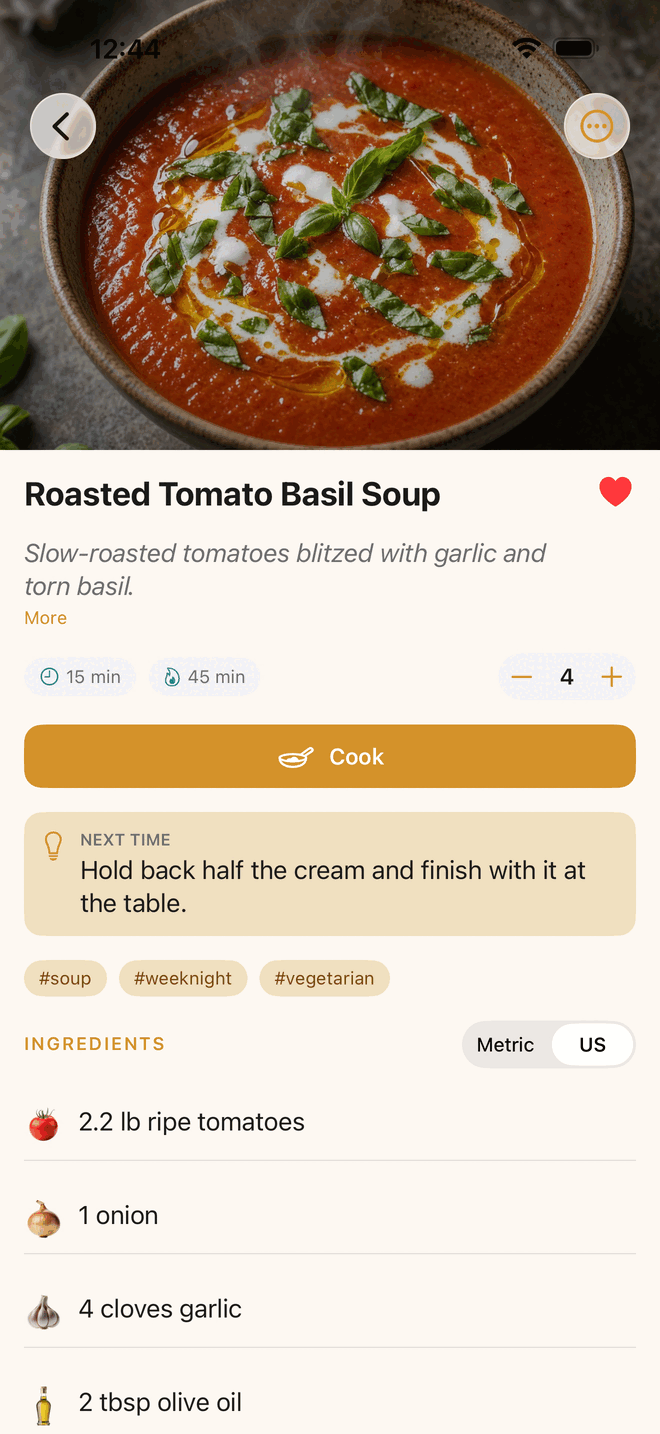
Paste a link instead
No share sheet handy? In Feastmark, open the add menu and choose Add from Link…. Paste the link and tap Add Recipe.
What if the recipe is only in the video?
Feastmark reads the post first. If the caption has no recipe, it uses what’s said in the video.
Some videos list ingredients and never say what to do with them. In that case Feastmark writes simple steps from the ingredients and labels them Suggested steps. The video didn’t list any. The recipe page links back to the video so you can watch how it’s really done. Change the steps yourself and the label goes away.
Write your own
Open the add menu and create a recipe from scratch. You can add your own photo.
If an import doesn’t come through
Feastmark offers Save as draft instead. The recipe is saved with a Needs details tag. Open it and tap Complete this recipe to fill in the rest. Every field is editable.
More fixes are on the troubleshooting page.
A note on accuracy
Recipes pulled from a video can be incomplete or wrong, like anything read from a video. Give the ingredients a quick look before you shop.
Common questions
Can Feastmark save a recipe that is only spoken in the video?
Yes. When the caption has no recipe, Feastmark falls back to the spoken audio in the video.
Does saving need an internet connection?
Yes. Importing a new recipe needs the network, because the link has to be fetched and read. Your saved recipes work offline.
Still stuck?
Support comes from Big Beard Apps, the studio behind Feastmark.
Contact support